Most legacy modernization programs fail before a single line of code is touched — not because the engineering is hard, but because the wrong question is asked first. Teams jump straight to how do we rebuild this? when the question that actually determines success is which of these systems should we touch at all, and to what end? Modernization is a portfolio decision before it is an engineering project.
This is a practical guide to answering that question. It covers how to assess a legacy estate, the modernize-vs-replace-vs-retire decision that sits at the center of any serious effort, the approaches available once you’ve decided to modernize, and — because it is the part that gets programs funded or killed — how to build an ROI case a CFO will actually sign off on.
Why most legacy modernization starts in the wrong place
The instinct with an aging system is to rewrite it. It’s the most satisfying answer and almost always the most expensive one. The trouble is that “rewrite everything” treats a portfolio of dozens of applications — each with a different business value, a different level of technical decay, and a different risk profile — as if they were one problem with one answer.
They aren’t. Some of those systems are quietly doing their job on old-but-stable technology and should be left alone. Some are business-critical and falling apart, and deserve real investment. Some duplicate a capability you could simply buy. And some are running only because nobody has switched them off. A modernization strategy that can’t tell these apart burns budget on the wrong systems and leaves the dangerous ones untouched.
So the work starts with an assessment, not a rewrite.
Start with an assessment, not a rewrite
A modernization assessment inventories the application estate and scores every system on two axes:
- Business value — how much the application contributes to revenue, operations, compliance, or competitive advantage. Not how much it cost to build; how much it matters now.
- Technical health — the state of the technology underneath: maintainability, security posture, scalability, integration ease, cost to run, and the availability of people who can still work on the stack.
Those two scores, plotted against each other, turn a vague “our systems are old” into a defensible map of where the value and the risk actually sit. A business-critical application on a crumbling, unsupported stack is a five-alarm fire. A low-value app on the same stack is a candidate for retirement, not a rescue. The assessment is what lets you tell the difference — and it’s the input to the decision framework that follows.
The modernize-vs-replace-vs-retire decision framework
Every application in the portfolio lands in one of four decisions. The choice is driven by where it falls on those two axes — business value and technical health.
High value · Healthy tech
Leave it alone — deliberately.
Choose when:
- The system works and isn’t blocking the business
- The stack is still supported and staffable
- Change would add risk without adding value
High value · Poor tech
Invest — this is where it pays.
Choose when:
- The capability is core to the business
- The technology is fragile, costly, or insecure
- The logic is worth keeping, the platform isn’t
Low differentiation · Poor tech
Buy instead of rebuild.
Choose when:
- The function isn’t a competitive advantage
- A commercial or SaaS product covers it well
- Custom maintenance isn’t worth the cost
Low value · Redundant
Switch it off.
Choose when:
- The system is unused or barely used
- Its function is duplicated or superseded
- Removing it cuts cost and attack surface
Sort the whole portfolio first → then spend the budget only on what’s marked Modernize
The discipline this framework enforces is restraint. A common finding on a real assessment is that only a portion of the estate belongs in the Modernize bucket — a meaningful share can be retained untouched, replaced with an off-the-shelf product, or retired outright. Every application you correctly don’t modernize is budget redirected to the systems where modernization actually moves the business. Deciding what not to touch is the most underrated part of a modernization strategy.
Once you’ve decided to modernize: the approaches
For the applications that land in Modernize, the next choice is how. These are the approaches commonly known as the 6 Rs — ordered here from lowest cost and risk to highest effort and highest long-term payoff.
| Approach | What it means | Best when | Effort / payoff |
|---|---|---|---|
| Rehost | Lift-and-shift to the cloud with minimal change | You need out of the data center fast; the app is stable | Lowest effort · quick, modest payoff |
| Replatform | Move with targeted optimizations (e.g. managed DB) | A few high-value tweaks unlock cloud benefits | Low effort · better payoff than rehost |
| Refactor | Restructure the code without changing behavior | The logic is sound but the code is unmaintainable | Medium effort · lasting maintainability gains |
| Re-architect | Redesign into cloud-native patterns (microservices, APIs) | Scale, agility, and independent deployment matter | High effort · highest long-term payoff |
| Rebuild | Rewrite the application from scratch | The system can’t be salvaged and value justifies it | Highest effort · high payoff, high risk |
| Replace | Retire the custom system for a commercial product | The capability is undifferentiated and buyable | Variable effort · fastest to a supported platform |
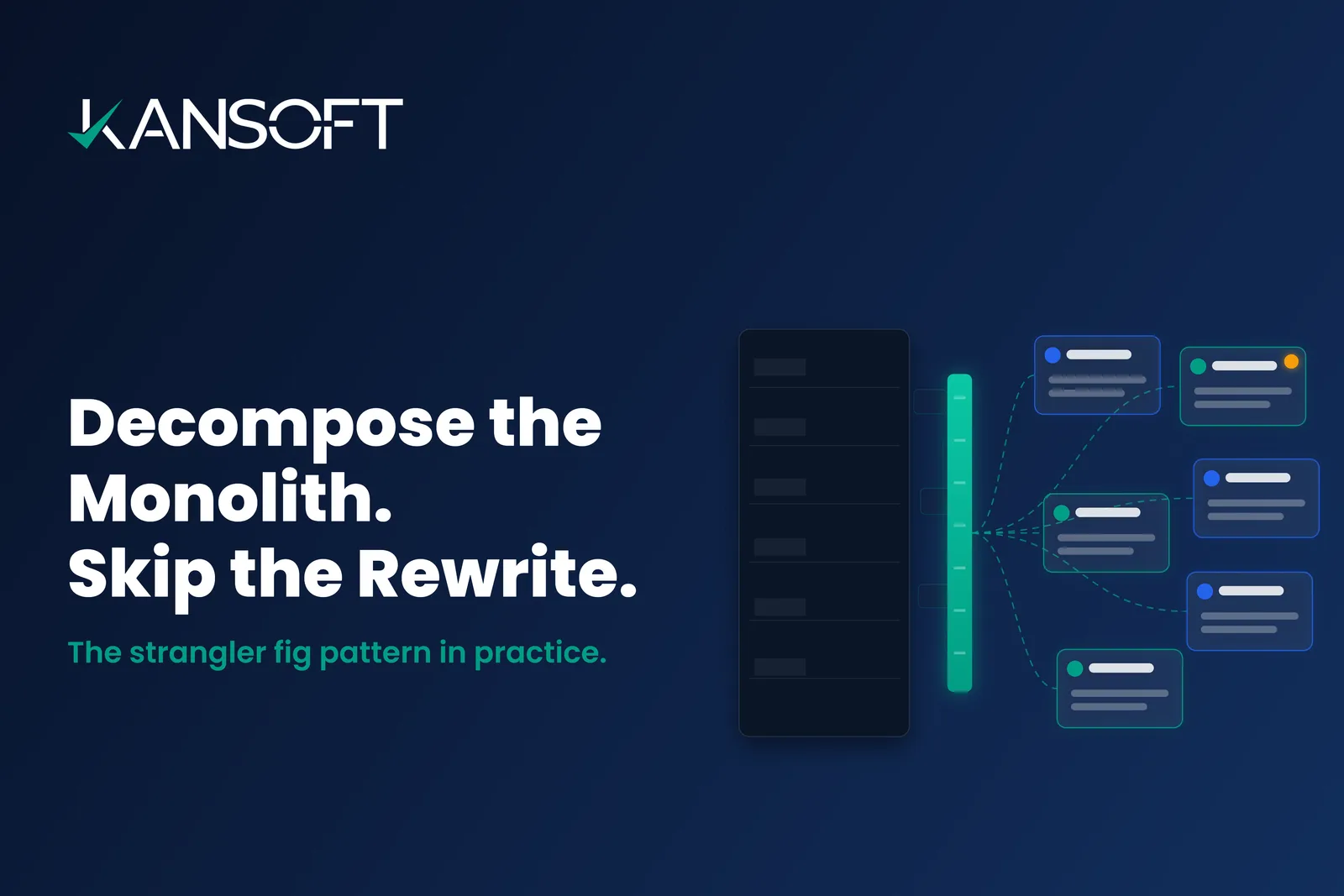
Two things matter more than picking the “right” row. First, most real programs use several of these in combination across the portfolio — a rehost here, a re-architecture there. Second, whichever you choose, run it incrementally. The re-architect path in particular is where the strangler fig pattern earns its keep: you decompose the system one capability at a time behind a routing layer instead of betting everything on an 18-month rewrite. For platform-specific moves — .NET, Java, mainframe, or database — our .NET modernization guide walks through one such path end to end.
The CFO-readable ROI: what modernization actually returns
Modernization programs don’t die in engineering review. They die in the budget meeting, when the business case is a list of technical virtues no one in finance can price. To get funded, the case has to be framed the way a CFO reads it: cost of inaction versus cost of modernization.
Cost of inaction
Rises every year you wait — and compounds
- Climbing maintenance & licensing on aging platforms
- Scarce, expensive talent for obsolete stacks
- Security exposure & compliance penalties
- Revenue lost to slow, risky release cycles
- Integration walls that block new initiatives
Return on modernization
One-time investment, compounding return
- Lower total cost of ownership (TCO)
- Faster time-to-market for new features
- Reduced security & compliance risk
- Higher reliability, uptime, and scalability
- A platform that can adopt AI, data, and cloud services
The strongest business case doesn’t just count the savings — it quantifies the growing cost of doing nothing, expressed as a payback period in months.
The framing that lands with finance is a risk-adjusted payback period, not a technology pitch. The direction of the numbers is consistent across modernization work: maintenance and licensing costs fall, delivery speeds up, and unplanned downtime and security incidents drop. The exact figures depend entirely on your portfolio — which is what the assessment exists to establish before anyone commits capital. Treat any headline percentage as directional; the defensible number is the one your own estate produces.
Crucially, the cost of inaction is not flat. A legacy system gets more expensive to run and riskier to leave alone every year — support contracts lapse, the last engineer who understands it retires, a compliance regime tightens. The business case for modernizing is strongest when it shows that curve bending upward, because it reframes the decision from “why spend now?” to “what does waiting another year cost?”
See how we modernize a specific legacy stack
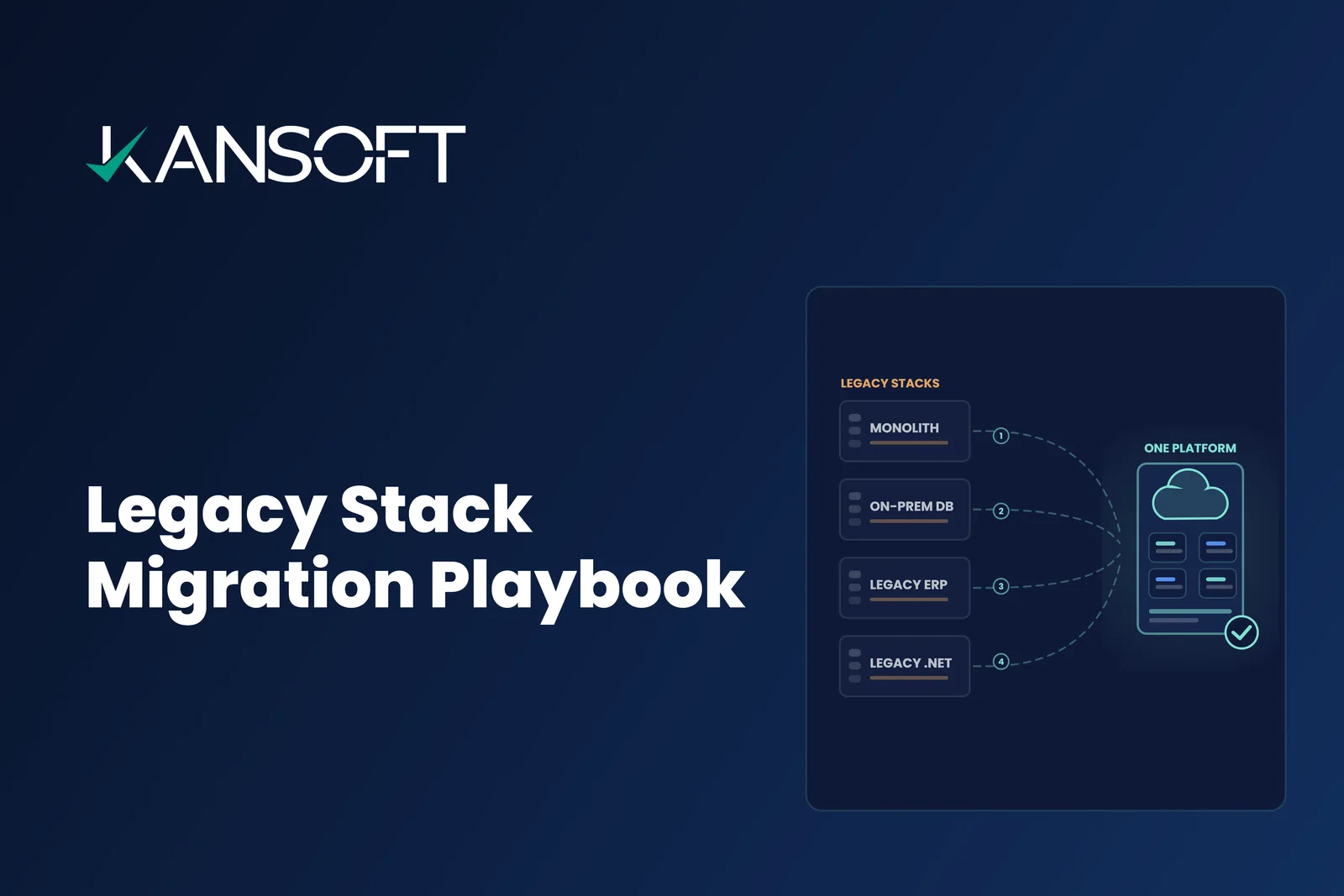
Our Modernization Accelerators turn .NET, Java, COBOL, legacy JavaScript, Xamarin, and on-prem databases into modern, secure, cloud-ready platforms — each with its own AI-driven migration framework.
Sequencing the program so it de-risks itself
Once the portfolio is triaged and the approaches are chosen, how you sequence the work decides whether it succeeds. The rule is to make the program de-risk itself as it goes:
- Start where value is high and entanglement is low. The first modernization should deliver visible business value and prove the approach — not begin with the most tangled, highest-blast-radius system in the estate.
- Deliver continuously, never in one cutover. Break each application’s modernization into independent, reversible steps. Value should land throughout the program, not only at the end. A plan whose payoff arrives on a single go-live date is a plan that concentrates all its risk on that date.
- Measure by capabilities shipped, not percent complete. “The migration is 60% done” tells you nothing you can act on. “Four capabilities modernized and live, maintenance cost down on each” tells the business exactly where it stands.
This is the difference between a modernization program that quietly compounds value and one that becomes the bet-the-quarter project everyone comes to dread.
How Kansoft runs legacy modernization
We run this end to end and in that order: a portfolio assessment that produces the retain/modernize/replace/retire map, a phased roadmap sequenced to de-risk as it goes, and delivery through accelerators built for specific legacy stacks.
Those accelerators are the engine of the modernize decisions. Our Modernization Accelerators hub covers .NET, Java, COBOL and mainframe, legacy JavaScript front ends, Xamarin, and on-prem databases — each an AI-driven framework that compresses the migration rather than reinventing it every time. And the whole program sits under our legacy application modernization services, from the first assessment through to ongoing support of the modernized estate.
The through-line of this entire guide is a single idea: modernization is a decision before it is a project. Get the assessment and the modernize-vs-replace-vs-retire triage right, sequence the work to de-risk itself, and frame the ROI as the cost of inaction — and modernization stops being an open-ended expense and becomes one of the clearest returns in the IT portfolio.
Not sure which systems to modernize, replace, or retire?
Bring us your application estate. We'll run the assessment, produce the retain/modernize/replace/retire map, and build a phased roadmap with an ROI case your CFO can sign off on.